 M·FILM
Your Canon,
shot like film.
This is M-Film running on an EOS M, in your browser: the same menus, drawn by the same code as on the camera. Load a roll, shoot it, then develop it.
A film camera, inside your camera
A shelf of 68 canisters. Pick a film and 36, 24 or 12 frames; the camera sets itself up for it.
No picture after each shot and no going back through them: an SLR's viewfinder, a meter needle and a frame counter.
In the camera's own darkroom, or on your computer with Darkrooms. Then see what you got.
68 films, on four shelves
The same RAW from an EOS M, developed with every film. Each has its own colour, grain, halation and softness.
- Loading the films…
The colour of 59 of these films is a table by Pat David, shared under CC BY-SA 4.0: a look made by eye, not a measurement of the film.
For Canon cameras that run Magic Lantern
Every camera on which Magic Lantern itself is mature (DIGIC 4 and 5). Testers have tried most of them: here is how far each one got.
| Camera | Canon firmware | Status | Notes |
|---|
Have one that needs a tester? It takes about 20 minutes, and you can always go back: TESTING.md →
Develop on your computer: Darkrooms
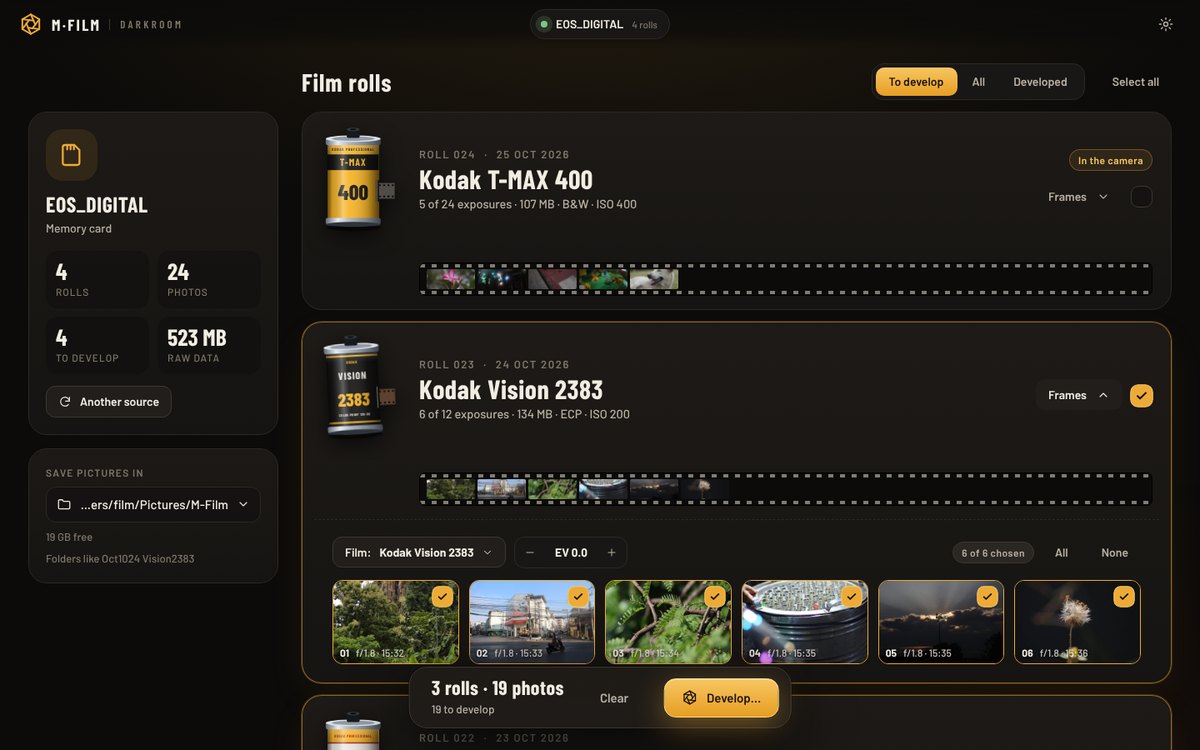
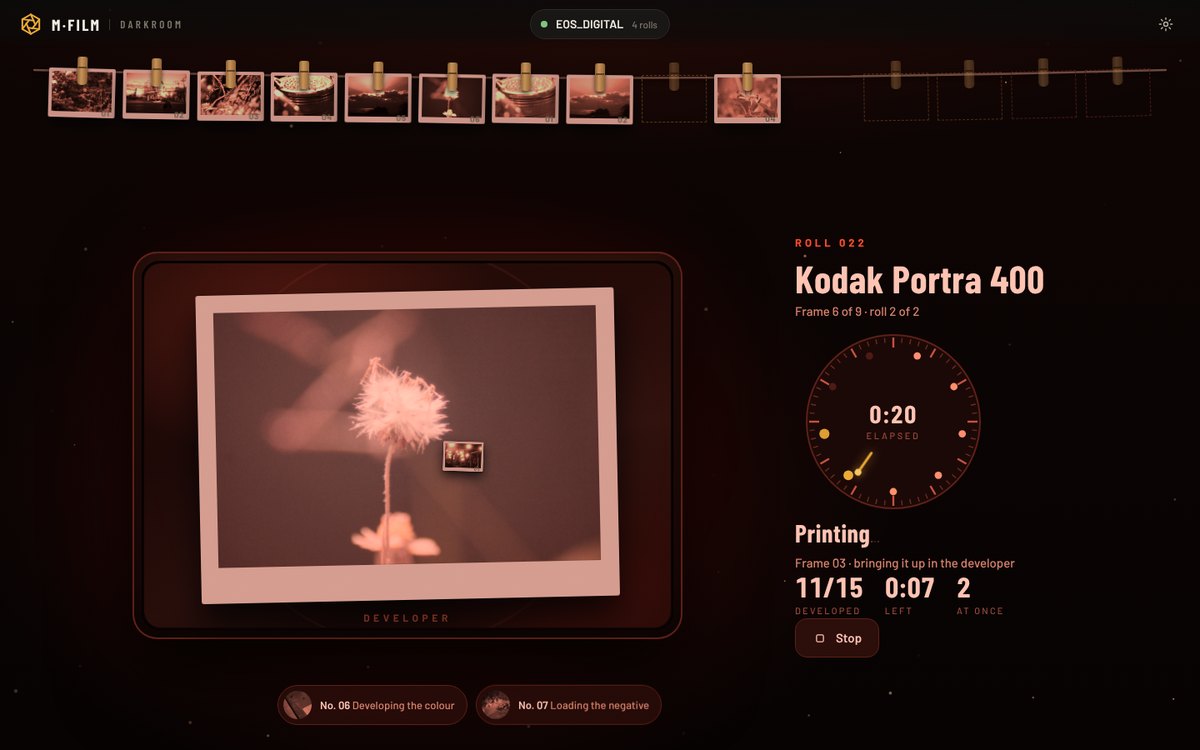
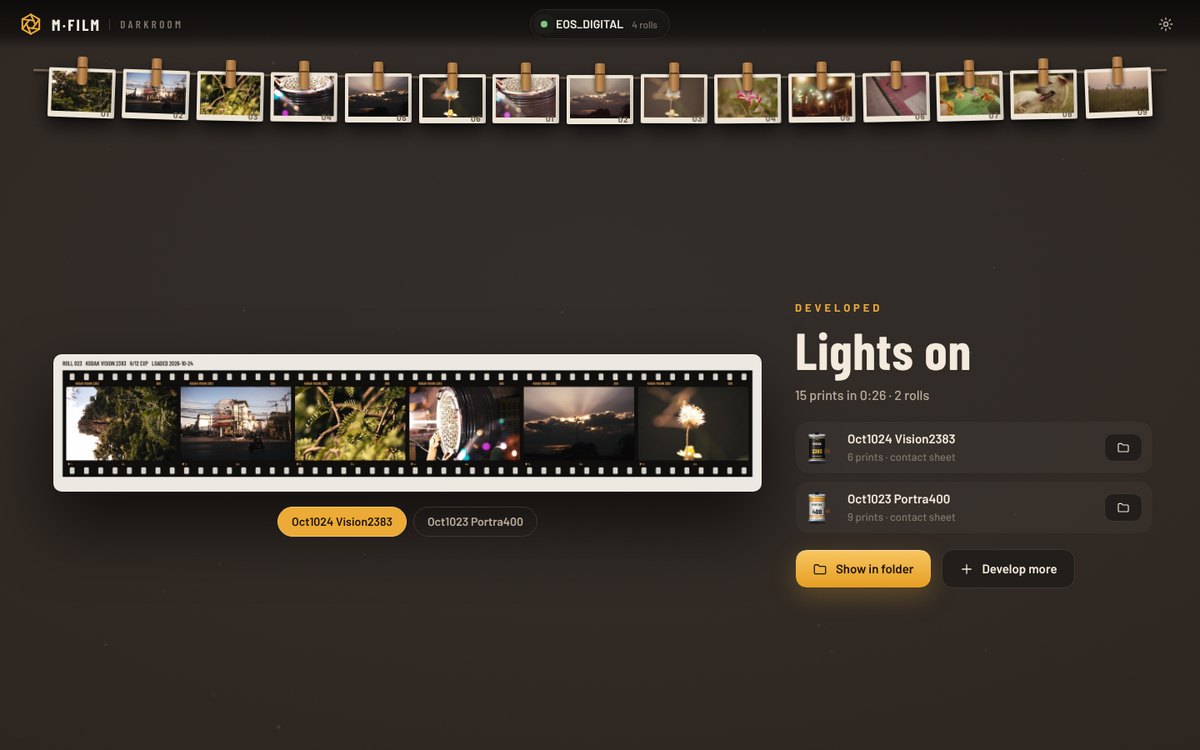
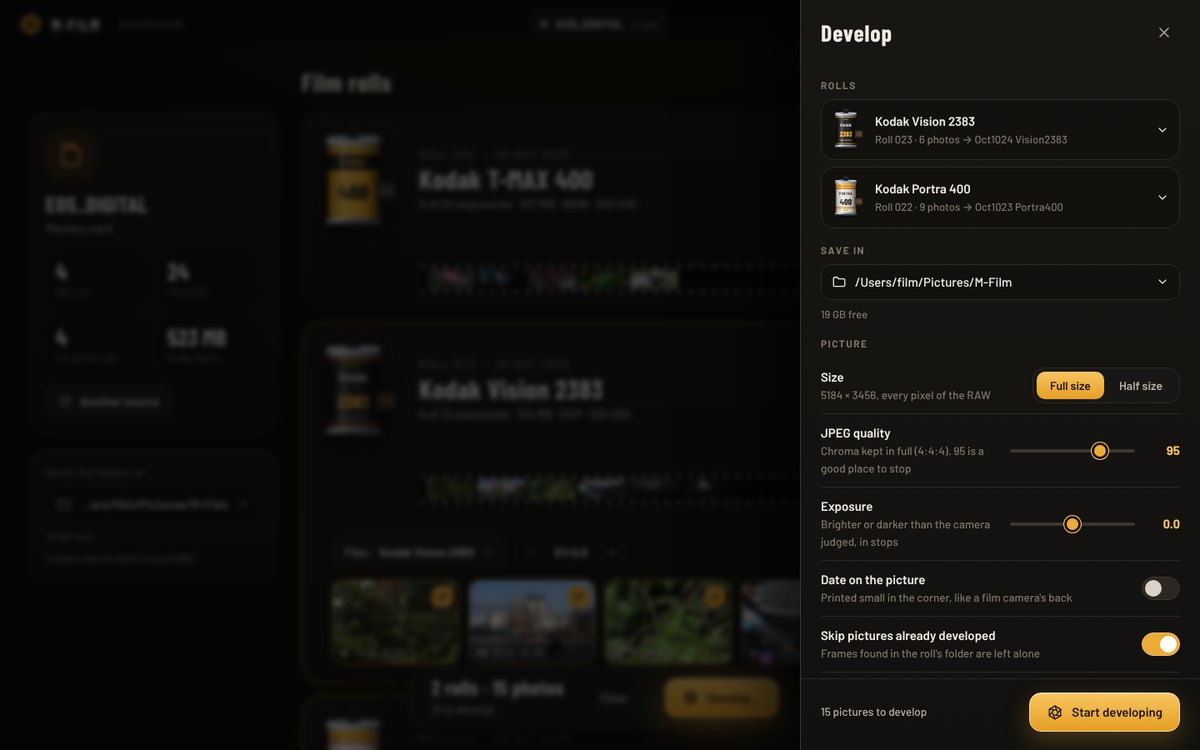
The camera develops its rolls by itself, slowly. Darkrooms does it on your computer, fast: plug the camera in (or put its card in a reader) and every roll is there, developed at full resolution.
Not signed with Microsoft or Apple yet: the first time, Windows says More info → Run anyway; a Mac, Privacy & Security → Open Anyway.
Put it on your camera
One zip for your camera: unzip it onto the card, and the camera starts with M-Film. Pay what you want for it, from nothing at all.
- Check the camera's Canon firmware (MENU → last settings tab → Firmware ver.): it must be the one in the table.
- Unzip the files for your camera onto an SD card, put it in, and run Firmware ver. → update once. From then on M-Film starts with the camera.
- In Canon's menu set Image quality to RAW and Image review to Off: the darkroom develops RAWs.
Questions
Can it break my camera?
Magic Lantern runs from the card and changes nothing permanent in the camera. The worst that usually happens is that the camera doesn't start with the card in: take the battery and the card out, and it starts normally again. Still, it is software on your camera at your own risk: keep a charged battery, and don't try it in the middle of a shoot.
How do I go back to Canon's camera?
Format the card in the camera. To stop the camera looking for Magic Lantern at all, run ML-SETUP.FIR again from Firmware ver. and remove the boot flag.
Is it really free?
The camera side is free and open source (GPL-2.0), and its darkroom is free and unlimited. You can pay what you want for the download, $0 included. Darkrooms, the desktop program, is free for a roll a day.
Can I shoot JPEG?
Set Image quality to RAW (RAW+JPEG works too). The films are applied when the roll is developed, from the RAW: a frame shot as JPEG can't be developed.
How do I update to a new version?
Finish and develop the roll, copy your photos off, format the card in the camera, unzip the new version onto it and run Firmware ver. → update again. Don't unzip a new version over the old one.
My camera isn't in the list.
M-Film needs Magic Lantern, which is mature on DIGIC 4 and 5 cameras. On newer ones (200D, 80D, M50, the R series) Magic Lantern itself is still experimental.